
How to Read an Automated Check Report: Severity, Quotes, Disputes and What It Does Not Replace
An automated check report can run to dozens of findings. Read from top to bottom, it can feel like a verdict. It is more useful to treat it as a working list: each finding is a claim about your documents, supported by a quote and a location, that you can verify, act on, question or reject. This article explains how to read such a report efficiently, how to respond to findings you disagree with, and what the marks on an issued conclusion do and do not mean.
The examples refer to the structure of a MEXUM conclusion, but the same approach works for any document review report, automated or manual.
Start with the summary, then go to the findings
The first page normally tells you what was checked: which documents were checked and how many findings there are at each severity. Before reading any finding, confirm two things:
- The right documents were checked. Compare the list of received files with what you meant to send. A finding about "missing structural drawings" may simply mean they were not uploaded.
- The right project context was assumed. Requirements depend on where the project is and what it is. If the context is wrong, many findings will be wrong for the same reason.
Then think about what the report could not have seen. Unreadable scans, corrupted files or missing pages limit what was checked. Silence about a topic is not a clean bill of health if that part of the package was not readable.
Severity levels: critical, major, minor
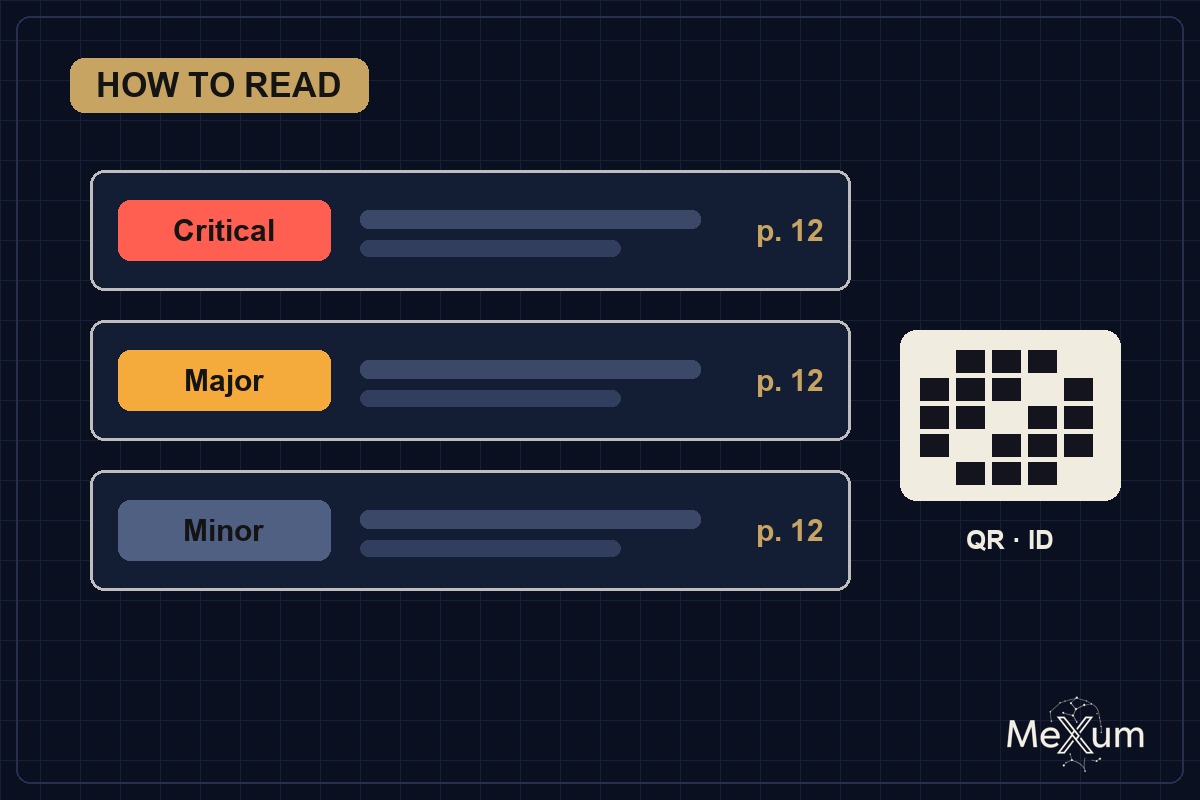
Severity tells you where to spend your time first. The exact wording varies by report, but the levels generally mean:
| Level | What it usually indicates | What to do |
|---|---|---|
| Critical | A problem likely to stop approval, affect safety, or cause significant cost or legal exposure if left unresolved | Resolve or answer before submission, signing or construction |
| Major | A substantive inconsistency or gap that needs correction but is unlikely on its own to stop the project | Assign to the responsible discipline and track to closure |
| Minor | Drafting, formatting, numbering or clarity issues | Fix in the next revision; group them so they do not crowd out the rest |
Severity is a judgment about consequences, not about how hard the fix is. A critical finding may take five minutes to fix (a missing sheet), and a minor one may take longer. Treat the level as a priority, and use your own knowledge of the project to confirm it.
Quotes and page references: verify, do not trust
Each finding should carry the exact words it relies on and where they are: a document name, a page or sheet number, and sometimes a section or table. This is what makes a finding checkable. For every finding you act on:
- Open the cited page and find the quoted text. If the quote is not there, the finding is unsupported.
- Read the surrounding context. A note may be qualified by another note on the same sheet, or superseded by an addendum the report did not receive.
- Check the other side of the comparison. Most findings say that two documents disagree. Look at both places. Sometimes the error is in the document the report treats as correct.
- Check the requirement cited. If the finding refers to a code or standard, confirm that the edition cited is the one in force for your project and that local amendments do not change it.
A finding without a quote or location deserves more scepticism than one with them. A well-built report states what it could not confirm as "not verified" rather than presenting a guess as a finding.
Asking "Why?"
Some findings will be clear at once. Others will not: the logic between the quote and the conclusion may be compressed, or the requirement may be unfamiliar. In MEXUM you can ask "Why?" on an individual finding to see which fragment of the document the finding rests on and the reasoning behind it. Use it before you dismiss a finding, and before you pass it on to a consultant, so that the person fixing it understands what is being asked.
Disputing a finding
Automated checks make mistakes, as people do. Common reasons a finding is wrong include a document that was not supplied, an addendum that changes the requirement, a project-specific approval or variance, a different measurement convention, or text the check misread from a poor scan. If you believe a finding is wrong, dispute it, and make the dispute specific:
- State which part is wrong: the quote, the location, the comparison or the requirement.
- Point to the document, page and text that shows otherwise.
- If the reason is outside the documents (an agreed variance, an authority interpretation), say so and keep the evidence with your project file.
Keep a record of findings you accepted, fixed, disputed or decided not to act on, and why. That record is useful for plan review responses, for your lender or owner, and for the next revision.
How to work through a report in practice
- Confirm the document list and project context on the summary page.
- Read every critical finding and verify its quote and location.
- Sort major findings by discipline and send each group to the responsible person, with the page references.
- Batch minor findings into a single drafting clean-up.
- Ask why on anything unclear; dispute anything you can show is wrong.
- After fixing, re-check the revised documents rather than assuming the fixes are complete.
The same discipline applies to estimates and contracts. See what automated estimate review catches and misses and the contract clauses worth reading closely.
The ID, QR code and independent-record mark
An issued MEXUM conclusion carries a unique ID, a QR code and an independent-record mark. It helps to be precise about what they show.
What they confirm:
- That a conclusion with this ID was issued by MEXUM.
- When it was issued and recorded, so that a reader can look it up and compare it with the copy in hand.
- That the record of issue was made with an independent register at the time of issue, rather than only in MEXUM's own system.
What they do not confirm:
- That the design, estimate or contract is correct, complete or compliant.
- That any authority has approved the project or accepted the conclusion.
- That the documents checked were the final or complete set; the conclusion covers only what was submitted.
- That findings have since been fixed. The conclusion reflects the documents at the time of the check.
- Any professional certification, seal or sign-off.
If you share a conclusion with a lender, owner or contractor, share it with this distinction stated. Lenders in particular may use it as one input among several; see what lenders verify in a borrower's budget.
What the report does not replace
An automated check finds inconsistencies, gaps and mismatches with stated requirements in the documents it receives. It does not:
- replace plan review or permitting by the building authority;
- replace the licensed architect, engineer or quantity surveyor responsible for the work, or their seal;
- replace legal advice on a contract from an attorney;
- inspect the site, the built work or the materials;
- decide how a problem should be fixed. That remains a design decision.
MEXUM uses artificial-intelligence technology to read and compare documents, which is why every finding is tied to a quote and a location you can check yourself.
Where MEXUM fits
MEXUM checks design, cost and contract documents against each other and against the codes of the project region, and issues a PDF conclusion within 24 hours. Findings are graded critical, major or minor, each with a quote and page reference, and you can ask why or dispute any finding. Use the report as a structured list of questions for your team, not as an approval.
Frequently asked questions
Which findings should I read first?
Start with the summary page to confirm which documents were checked and how many findings there are at each severity. Then read every critical finding and verify its quote and page reference, before moving to major and minor findings.
What should I do if I think a finding is wrong?
Dispute it with specifics: say whether the quote, the location, the comparison or the requirement is wrong, and point to the document, page and text that shows otherwise. Keep a record of the dispute and your reasoning.
Does the QR code mean the project is approved?
No. The ID, QR code and independent-record mark confirm that the conclusion was issued and when it was recorded. They say nothing about approval by an authority or about whether the design is correct or compliant.
Can an automated check report replace plan review or an engineer?
No. It finds inconsistencies and gaps in the documents it receives. Plan review, the licensed architect or engineer responsible for the design, and legal advice on contracts remain necessary.